
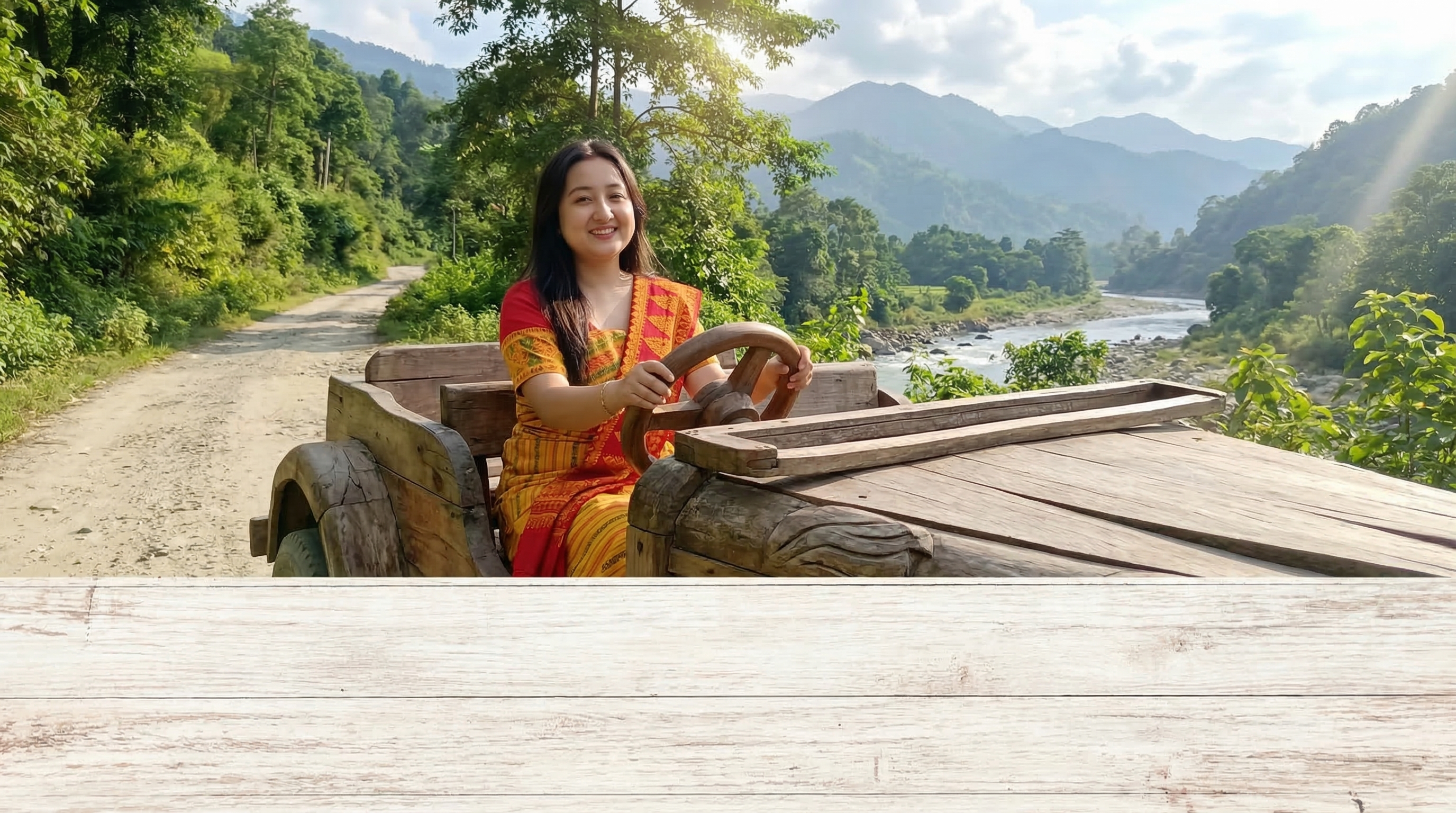
How to Generate Cinematic AI Videos for Free on YouTube with Bodo language (बर' रावाव YouTube आव माबोरै बेसेन होनाङा जासे सिनेमेटिक AI भिडिअ' सोरजिनो)
YouTube now has a built‑in AI video generator powered by Google's Veo / Gemini. You can create stunning cinematic videos from text prompts or images – completely free. Each day, you get enough credits to generate up to 4 videos. Follow these simple steps to make your first AI video.(YouTube आव दायो Google नि Veo / Gemini जों सालायजानाय मोनसे बिल्ट-इन AI भिडिअ' जेनेरेटर दं। नोंथाङा टेक्स्ट प्रम्प्ट एबा सावगारिफोरनिफ्राय सोमोनांथाव सिनेमेटिक भिडिअ' बानायनो हायो - आबुङै बेसेन नाङा। सानफ्रोमबो, नोंथाङा नोंथांनि गिबि AI भिडिअ बानायनो थाखाय बेफोर गोरलै राहाफोरखौ मानिनो थाखाय थोजासे क्रेडिट मोनो।)
Step‑by‑Step Guide
Step 1: Open the YouTube App
Open the YouTube app on your Device. Make sure it's updated to the latest version.(नोंथांनि दिभाइसआव इउटुब एपखौ खेव। बेखौ गोदानसिन रोखोमाव आपदेट खालामनायखौ थि खालाम।)
Step 2: Tap the + (Plus) Icon (+ (प्लस) आइकनआव टेप खालाम)
At the bottom of the screen, tap the + icon to start creating a new video.स्क्रिननि गाहायाव मोनसे गोदान भिदिअ सोरजिनो थाखाय आइकनआव टेप खालाम।
Step 3: Select "Add" and then "Create Video"
Choose the Add option, then tap Create Video. This opens the AI video creation interface.
Step 4: Choose a Starting Point (Image or Concept)
You can either upload a reference image (tap the + again) or simply describe the scene you want in the prompt box.
Step 5: Write a Detailed Prompt
Describe your video in detail – setting, action, mood, camera movement. For example: "Cinematic drone shot of a futuristic city at sunset, neon lights, flying cars, 4K, hyper‑realistic."
Step 6: Generate and Download
Tap the arrow button and wait a few seconds. Once generated, you can preview, edit, and download the video or upload it directly to YouTube Shorts.
That's it! You've created your first AI‑generated cinematic video. Experiment with different prompts to get varied styles.
🇮🇳 Can't write or understand English? Use the Bodo Prompt Generator!(इंराजि लिरनो एबा बुजिनो हाया नामा? बर' प्रम्प्ट जेनेरेटरखौ बाहाय!)
If you're more comfortable in Bodo, don't worry! You can generate perfect English prompts using our free tool. Simply describe your video idea in Bodo, and it will create a detailed English prompt for you.(जुदि नोंथाङा बर'आव बांसिन गोजोन दं, अब्ला जेबो जिंगा दासि। नोंथाङा जोंनि बेसेन नाङि टुलखौ बाहायनानै आबुं इंराजी प्रम्प्ट सोरजिनो हायो। नोंथांनि भिडिअ आइडियाखौ बर'आव बेखेवनाय, आरो बेयो नोंथांनि थाखाय मोनसे गुवारै इंराजि प्रम्प्ट सोरजिगोन।)
🔍 How to use: Search "Bodo Prompt Generator" on Google, or visit directly: https://devdid.com/bodo-prompt.php
Select 🎥 Video prompt, type your idea in Bodo, click "Generate Prompt", and copy the English result. Then paste it into YouTube's AI video generator!(माबोरै बाहायनो: गुगोलआव "Bodo Prompt Generator" (Bodo Prompt Generator) नायगिर, एबा थोंजोङै नायहै। नोंथांनि आइडियाखौ बर'आव टाइप खालाम, "Generate Prompt" आव क्लिक खालाम, आरो इंराजी फिथाइखौ कपि खालाम। बेनि उनाव बेखौ YouTube नि AI भिडिअ' जेनेरेटरआव पेस्ट खालाम!)
Watch the tutorial video above for a visual walkthrough. It covers everything from opening the app to generating your first cinematic masterpiece.(नुथायनि थाखाय गोजौनि tutorial video खौ नाय। बेयो एपखौ बेखेवनायनिफ्राय लानानै नोंथांनि गिबि सिनेमेटिक मास्टरपीस सोरजिनायसिम गासैखौबो लाफायो।)
Tips for Better Results
- Be specific: Include details like lighting, camera angle, and atmosphere.
- Use cinematic terms: Words like "cinematic", "4K", "slow motion", "dolly zoom" help the AI understand.
- Keep prompts under 500 characters for best performance.
- Generate up to 4 videos per day with the free tier – credits reset daily.
Ready to start creating? Open YouTube and follow the steps above. For more advanced guides and prompt ideas, visit devdid.com.