
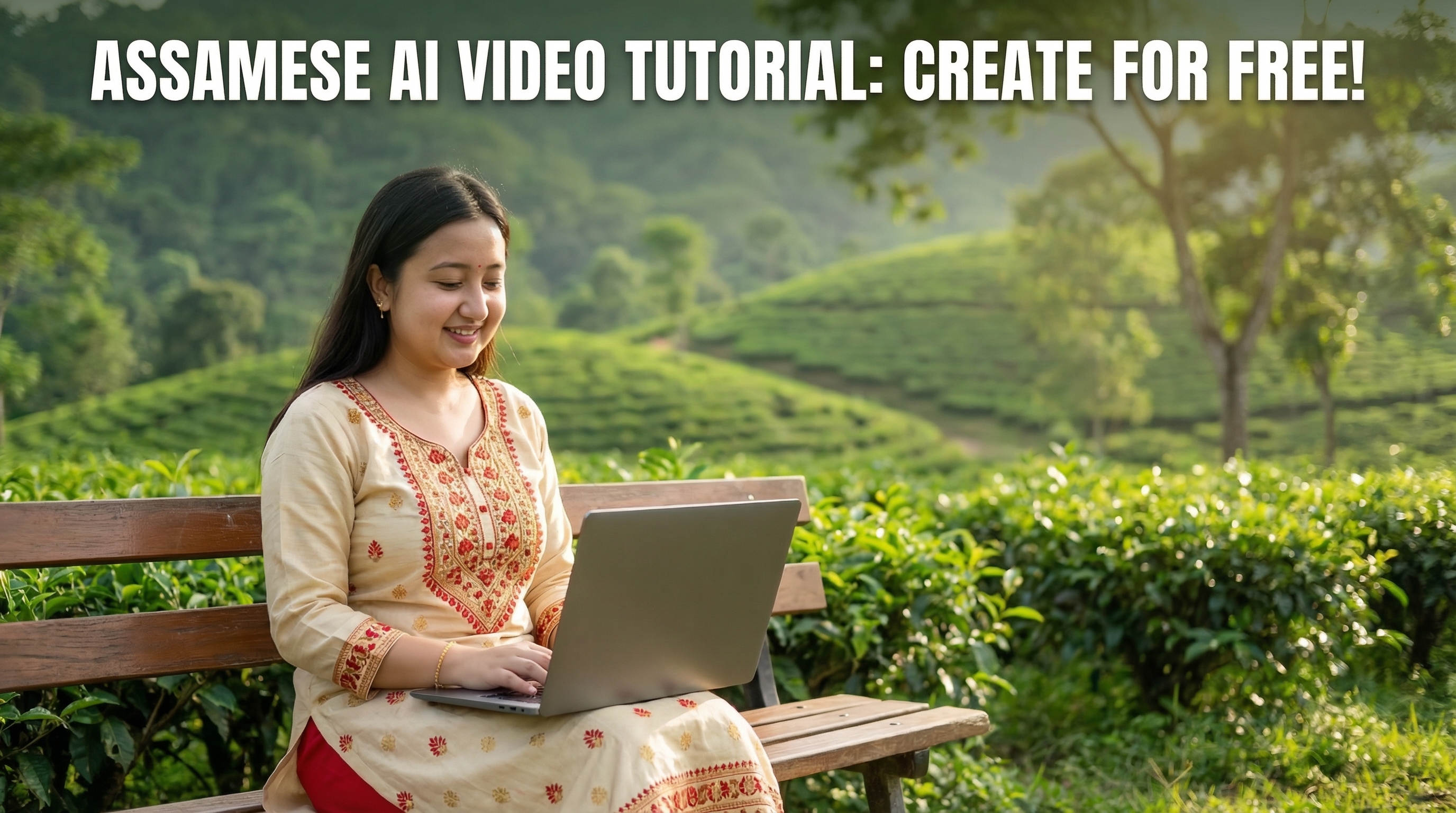
How to Generate Free AI Video with Gemini on YouTube
(YouTube ত Gemini ব্যৱহাৰ কৰি কেনেকৈ ফ্ৰী AI ভিডিঅ' তৈয়াৰ কৰিব)
You can now generate free AI videos using Gemini AI on YouTube. YouTube recently introduced a new AI video generator for creating YouTube Shorts videos. With this feature, users can generate up to 4 AI videos per day.
এতিয়া আপুনি YouTube ত Gemini AI ব্যৱহাৰ কৰি ফ্ৰী AI ভিডিঅ' তৈয়াৰ কৰিব পাৰে। YouTube এ শেহতীয়াকৈ YouTube Shorts ৰ বাবে এটা নতুন AI ভিডিঅ' জেনেৰেটৰ যোগ কৰিছে। এই সুবিধাৰে ব্যৱহাৰকাৰীয়ে দিনটোত সৰ্বাধিক ৪টা AI ভিডিঅ' তৈয়াৰ কৰিব পাৰে।
Steps to Generate AI Video (AI ভিডিঅ' তৈয়াৰ কৰাৰ ধাপসমূহ)
- Step 1: Generate your image first.
প্ৰথমে আপুনি ব্যৱহাৰ কৰিবলগীয়া ছবিখন তৈয়াৰ কৰক। - Step 2: Open YouTube.
তাৰ পিছত YouTube খোলক। - Step 3: Click on the + (Plus) icon.
+ (প্লাছ) আইকনত ক্লিক কৰক। - Step 4: Click on Add option.
Add অপচনটোত ক্লিক কৰক। - Step 5: Click on Create Video option.
Create Video অপচনটো বাচনি কৰক। - Step 6: Click on + icon again to select the image.
আকৌ + আইকনত ক্লিক কৰি ছবিখন নিৰ্বাচন কৰক। - Step 7: Write a prompt describing what type of video you want to generate.
তাৰ পিছত আপুনি কেনেধৰণৰ ভিডিঅ' বিচাৰে তাৰ বিৱৰণ লিখক। - Step 8: Click the arrow button to generate the video.
ভিডিঅ' তৈয়াৰ কৰিবলৈ arrow বুটামত ক্লিক কৰক।
Example Prompt
Wait while Gemini generates your video. After the generation is complete, you can either download the video or upload it directly to YouTube.
ভিডিঅ' তৈয়াৰ হ'বলৈ অলপ সময় অপেক্ষা কৰক। ভিডিঅ' সম্পূৰ্ণ হোৱাৰ পিছত আপুনি সেইটো ডাউনলোড কৰিব পাৰে বা YouTube ত পোনে পোনে আপলোড কৰিব পাৰে।
Write clear prompts and describe the scene properly. A good prompt helps Gemini generate more realistic and interesting videos.
সদায় স্পষ্ট prompt লিখক আৰু দৃশ্যখন ভালদৰে বৰ্ণনা কৰক। এটা ভাল prompt এ Gemini ক অধিক বাস্তৱিক আৰু মজাৰ ভিডিঅ' তৈয়াৰ কৰাত সহায় কৰে।
Tutorial Video
Watch the tutorial video above to learn how to generate AI videos with Gemini on YouTube.
Gemini ব্যৱহাৰ কৰি AI ভিডিঅ' কেনেকৈ তৈয়াৰ কৰিব তাৰ বাবে তলৰ tutorial video টো চাওক।