
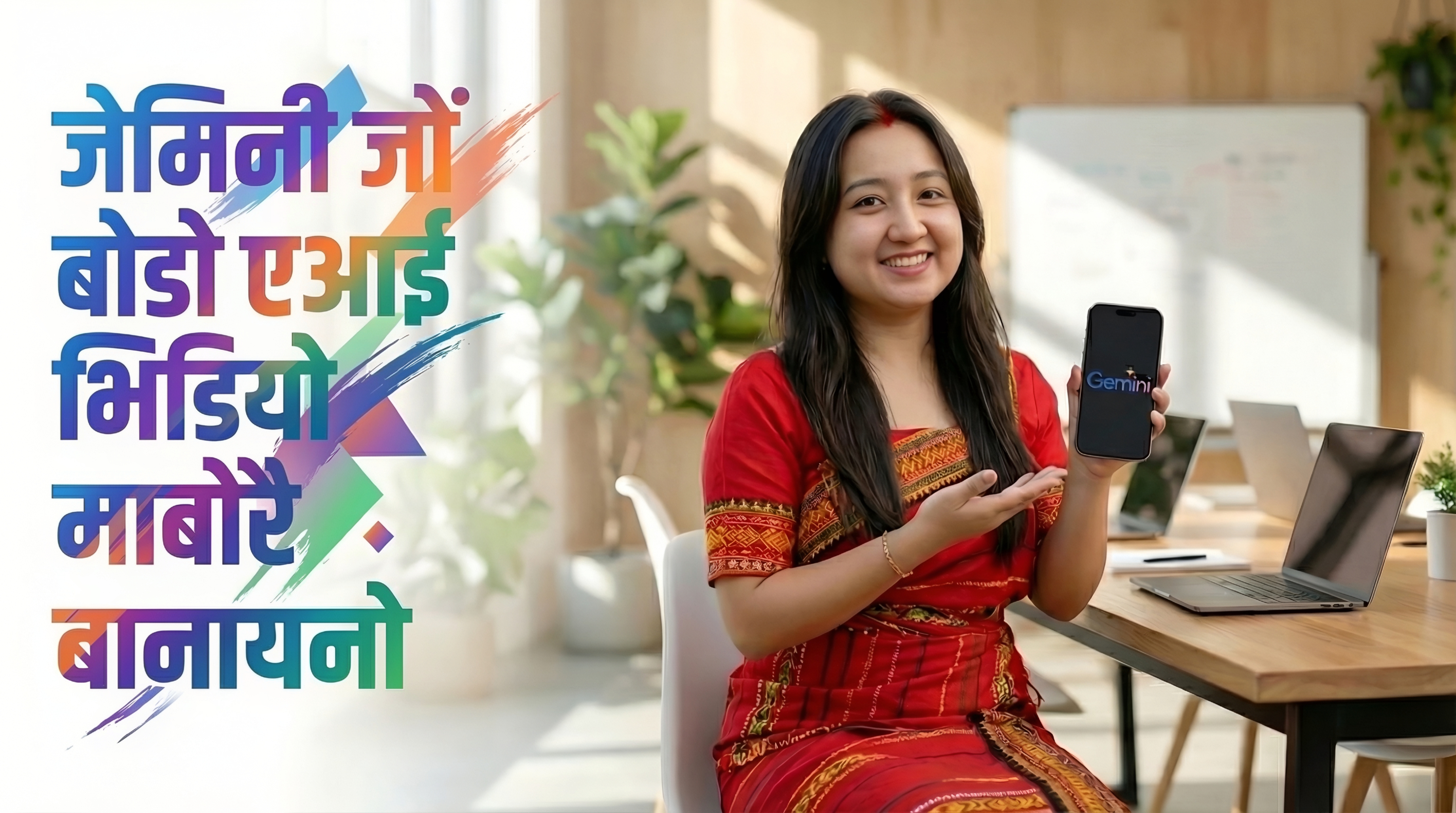
How to Generate Bodo Speaking AI Video with Gemini for Free (जेमिनीजों बर' रायज्लायनाय एआइ भिडिअ' बेसेन होनाङा जासे माबोरै बानायनो)
Want to create AI‑generated videos in the Bodo language? With the YouTube app on your Android device and the power of Gemini AI, you can now produce stunning videos using just a few taps. The best part? It’s completely free for up to 4 videos every day. (बर' रावाव AI-generated भिडिअ' सोरजिनो लुबैयो? नोंथांनि एनड्रयड डिभाइसआव इउटुब एप आरो जेमिनी एआइनि गोहोजों, नोंथाङा दा माखासे टेपजों सोमोनांथाव भिदिअफोर दिहुननो हागोन। साबसिन बाहागो? बेयो सानफ्रोमबो मोन 4 भिडिअ'नि थाखाय आबुङै फ्रि दं।)
Step‑by‑Step Instructions
Step 1: Open the YouTube App on Your Android Device (नोंनि एनड्रइड दिभाइसआव इउटुब एपखौ खेव।)
Make sure you have the latest version of the YouTube app installed. If not, update it from the Google Play Store. (थि खालाम दि नोंथांनाव YouTube एपनि गोदानसिन रोखोम इनस्टल दं। जुदि गैया, अब्ला बेखौ Google Play Store निफ्राय आपडेट खालाम।)
Step 2: Tap the Plus (+) Icon
At the bottom of the YouTube home screen, you'll find a plus (+) icon. Tap it, and your device’s camera will open ready to record a short video.
Step 3: Click on “Add” Option
Once the camera opens, look at the bottom left corner – you will see an “Add” button. Tap it to access media from your gallery.
Step 4: Select “Create Video”
After tapping “Add”, a new screen appears. At the top, you’ll find a “Create video” option. Tap it to enter the AI video creation mode.
Step 5: Generate Your AI Video
Now the AI video interface appears. If you want to use photos, tap the + icon to add images from your gallery. Then describe your video – for example, (a village festival scene). The AI will generate a video based on your description and photos. You can preview, edit, and save it directly to your device.
That's it! You’ve just created your first Bodo AI video. The whole process is intuitive, and you can experiment with different descriptions to get varied results.
Watch the tutorial video above for a visual walkthrough. It covers everything from opening the app to generating your first video and even adding voiceovers in Bodo. गोजौनि विडियोखौ नायनानै बुजिना ला
How Many Videos Can You Generate?
With the free version of YouTube’s AI video tool, you get enough credits to create up to 4 videos per day. The credits refresh daily, so you can keep experimenting and producing content without any cost.
Why Use Gemini AI for Bodo Videos?
- Language Support: Gemini understands Bodo speaking texts, Prompt should be in English but can add Bodo text for speaking.
- Photo Integration: Add your own photos and let the AI weave them into a coherent video.
- Free & Accessible: No subscription needed – just the YouTube app and your creativity.
Ready to start? Open the YouTube app right now and follow the steps. If you need more detailed guidance or want to explore advanced features, visit devdid.com for additional tutorials and tips.devdid.com